

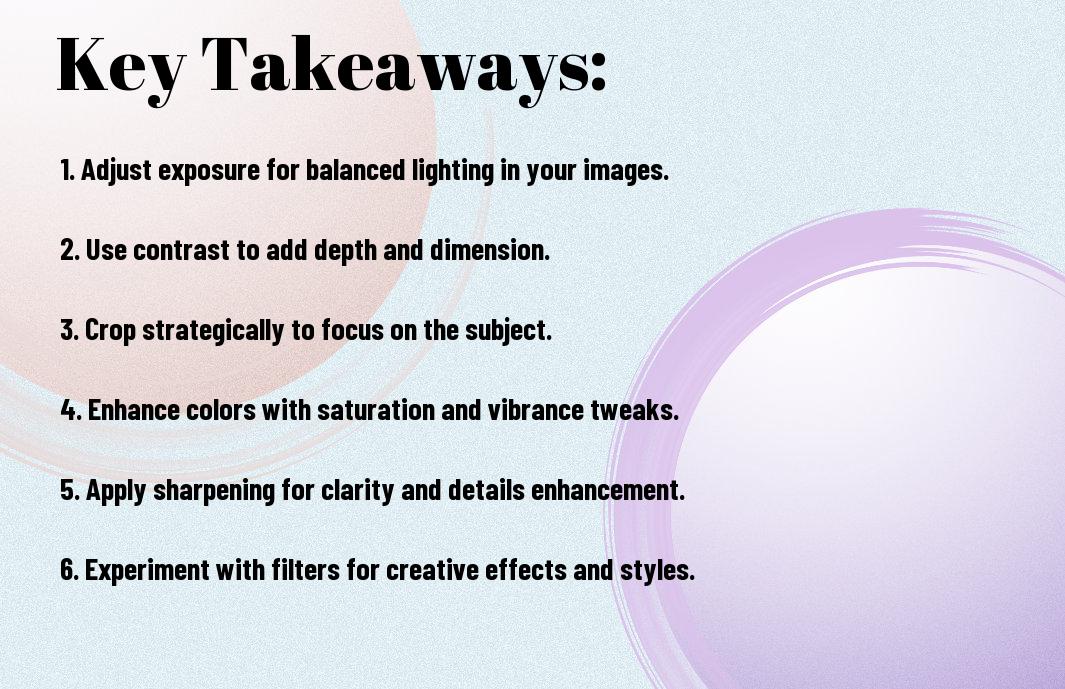
Just a few effective editing techniques can elevate your photos to a professional level. Whether you’re an aspiring photographer or simply looking to improve your snapshots, mastering these six tricks will help you transform your images into stunning visuals. From adjusting lighting and colors to employing advanced tools and features, you’ll gain the insights needed to refine your work. Dive into this guide and discover how to polish your images, making them stand out in any portfolio.

Understanding Basic Editing Tools
The world of photo editing can seem overwhelming at first, but mastering basic tools will set you on the right path to enhancing your images. Familiarizing yourself with key features like exposure, brightness, contrast, and shadows will give you greater control and allow you to express your artistic vision in your photographs. With practice, you’ll quickly learn how to utilize these tools effectively to create stunning visuals.
Exposure and Brightness
Tools like exposure and brightness allow you to manipulate the light in your images, making them brighter or darker according to your needs. Adjusting exposure can help bring out hidden details in dark areas, while brightness primarily affects the overall light level in your photo. Strive for balance, ensuring that neither extreme overshadows the other, to create an appealing and dynamic image.
Contrast and Shadows
Beside exposure and brightness, contrast and shadows play a vital role in defining the mood and depth of your photos. By adjusting contrast, you can make the light areas lighter and dark areas darker, helping your subject stand out more distinctly. Shadow adjustments can also enhance depth, drawing attention to specific elements within your composition.
At times, increasing contrast can significantly impact the overall appeal of your photo, allowing colors to pop and details to emerge. Conversely, lowering the contrast might work for softening harsh images or creating a dreamy atmosphere. Properly adjusting shadows can add dimension to your subjects, elevating the visual storytelling in your photography. Experiment with these elements to find the perfect balance that resonates with your style and enhances your imagery.
Utilizing Color Adjustments
There’s a transformative power in color adjustments when it comes to enhancing your photos. By fine-tuning the hues, saturation, and brightness, you can create a vivid atmosphere that draws viewers in. Whether you’re aiming for a dreamy landscape or a vibrant portrait, mastering these techniques allows you to convey the emotion of your subject. Take the time to explore these settings, as color adjustments can significantly elevate your photography to a professional level.
Saturation and Vibrance
Behind every stunning photo is the right balance of saturation and vibrance. Saturation increases the intensity of all colors in your image, while vibrance selectively boosts muted tones, preventing skin tones from appearing overly processed. By adjusting these sliders, you can breathe life into your photos, making them pop and appear more dynamic without sacrificing natural beauty.
White Balance Techniques
Along with saturation and vibrance, achieving the perfect white balance is important for accurate color representation. This technique ensures that the colors in your photo appear realistic and consistent, reflecting the true lighting conditions under which the photo was taken. By adjusting the temperature and tint sliders, you can correct any unwanted color casts, making your photos look more polished and professional.
White balance plays a vital role in defining the overall mood of your images. A cooler temperature can evoke a sense of calm and serenity, while a warmer hue can create an inviting and cozy atmosphere. Experiment with different white balance settings to see how they impact your images, allowing you to not only correct color inaccuracies but also to enhance the emotional impact of your photography. Adjusting white balance effectively will elevate your images and showcase your subject matter in the best light possible.

Enhancing Details with Sharpness
Once again, sharpening your images can make a significant difference in how they appear. Adjusting the sharpness enhances the texture and detail, drawing viewers’ attention to the finer aspects of your work. Be careful not to overdo it, as excessive sharpening can introduce unwanted artifacts. Subtlety is key—aim for a natural enhancement that maintains the integrity of your original image.
Focus and Clarity
Any successful image requires a solid foundation of focus and clarity. You can achieve this by utilizing editing tools that selectively sharpen areas of your photo to enhance depth and interest. By improving the focal points, you guide the viewer’s eye and create a more compelling composition.
Reducing Noise in Images
Any image can suffer from noise, particularly in low-light conditions. Noise can distract from the primary subject, making your photo appear grainy. It’s vital to apply noise reduction techniques to maintain image quality while preserving details.
Details matter when addressing noise in your images. Use noise reduction filters available in photography software to smooth out the grain without losing too much fine detail. Balance is vital; while you want to reduce noise, you’ll also want to ensure that your image retains its sharpness and clarity. By carefully adjusting the strength of noise reduction, you can achieve smoother images and elevate the overall quality of your photographs.
Creative Cropping Techniques
Now that you’ve taken your shots, it’s time to explore creative cropping techniques. Effective cropping can transform your images, emphasizing the subject and improving composition. By strategically removing unnecessary elements, you can enhance the viewer’s focus and tell a more compelling story. Let’s examine into some imperative methods that will elevate your photo editing skills.
Rule of Thirds
Thirds play a vital role in composing visually appealing photographs. By dividing your frame into a 3×3 grid, you can position your subject along the intersections or lines. This simple technique guides your audience’s eye naturally, creating a more balanced composition and enhancing the overall impact of your images.
Aspect Ratios
Above all, understanding aspect ratios is fundamental to proper framing. Each format, from 1:1 to 16:9, influences how your image is perceived, as it dictates the relationship between width and height. Choosing the right aspect ratio can drastically change the mood and context of your photograph, making it imperative to consider in your editing process.
It’s important to note that different platforms and displays favor specific aspect ratios. For instance, social media posts may thrive on square (1:1) formats, while landscape images often benefit from a wider (16:9) ratio. Tailoring your crop to the intended use not only enhances visual appeal but also ensures that your photos resonate with your audience in a meaningful way.

Adding Finishing Touches
Many photographers overlook the importance of adding finishing touches to their images, but this step can elevate your photos from great to extraordinary. A well-placed detail can bring out the unique aspects of your subject or enhance the overall aesthetic of your image. Experimenting with various features and techniques allows you to add a personal touch, making your work stand out. You can seamlessly integrate overlays, text, or subtle adjustments that not only beautify your photos but also communicate your style effectively.
Filters and Presets
With an array of filters and presets available, you can easily transform your photos to achieve a desired mood or style. These tools allow you to apply consistent aesthetic adjustments across multiple images while saving you time during the editing process. Adjusting settings like contrast, saturation, and warmth enables you to create a signature look that reflects your vision.
Text and Graphics
After establishing your image’s core adjustments, incorporating text and graphics can enhance your storytelling and add context. This technique is particularly useful for social media, marketing materials, or personal projects that require a clear message.
In fact, using text and graphics effectively can engage your audience and provide vital information at a glance. You can choose fonts that resonate with your image’s style, ensuring a harmonious blend. Additionally, incorporating elements like logos or icons can help reinforce your brand identity, making it recognizable and memorable. Aim to keep your layout balanced and consider the placement of each element to maintain the visual appeal.
Embracing Non-Destructive Editing
Keep your editing process flexible by embracing non-destructive editing techniques. This approach allows you to make unlimited adjustments without permanently altering your original image. By utilizing layers and adjustment tools, you can fine-tune your photos while retaining the ability to revert to the unedited version at any time. This means your creative decisions can evolve without the stress of irreversible changes, giving you the freedom to experiment and perfect your edits.
Layering Techniques
One effective method in non-destructive editing is the use of layering techniques. By creating separate layers for adjustments, effects, and enhancements, you gain the ability to modify individual elements of your image without impacting others. This allows for more control in fine-tuning aspects like exposure, color balance, and detail while preserving the integrity of your original photo. You can easily hide or delete layers if needed, making it simple to refine your vision during the editing process.
Saving in Different Formats
Across various editing software, it’s imperative to save your work in different formats to suit your needs. Each format has its own strengths, from preserving high-quality edits to enabling web-friendly images for sharing. For instance, TIFF and PSD formats retain layers, making them ideal for further editing, while JPEG is excellent for final outputs. Understanding the characteristics of each format will help you manage your workflow effectively and ensure that your images are accessible for any purpose.
It’s important to choose the right format for saving your images based on how you plan to use them. For ongoing projects or layered edits, formats like PSD or TIFF will be beneficial as they maintain all your adjustments and layering information. Conversely, if you are preparing images for online sharing or print, JPEG is widely preferred due to its smaller file size and compatibility. By strategically saving in various formats, you preserve your work and make it easier to access and share your images as needed.
Final Words
Now that you have explored these editing necessarys, you are equipped with the knowledge to enhance your photos like a pro. By applying these six tricks, you can elevate your visual storytelling and make your images stand out. Experiment with each technique to find how they best suit your unique style, and don’t hesitate to revisit them as you grow in your photographic journey. Your ability to transform ordinary shots into captivating visuals is at your fingertips!


