
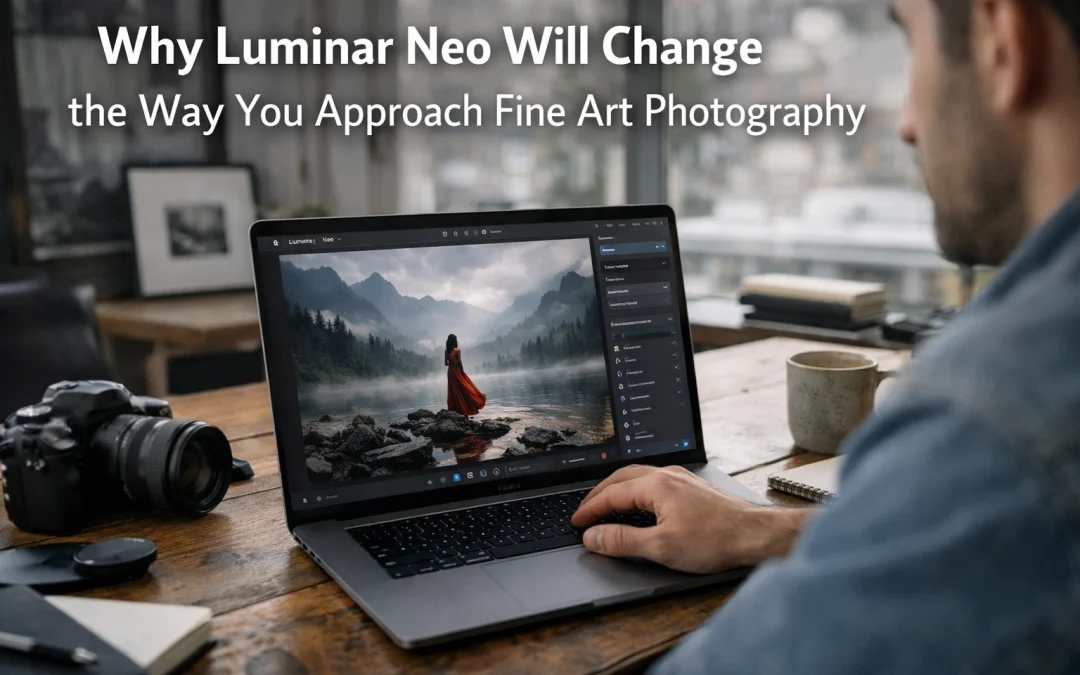
As a fine art photographer, you know that the distance between your creative vision and the final print can sometimes feel like a marathon through technical hurdles. You spend hours masking, adjusting exposure gradients, and meticulously cleaning up distracting elements. Just as the transition from film to digital opened new doors for expression, the emergence of AI-driven software like Luminar Neo is fundamentally shifting how you interact with your images. It is no longer just about "fixing" a photo; it is about sculpting an artistic vision with unprecedented speed and precision.
By integrating Luminar Neo into your workflow, you are not just choosing another photo editor: you are adopting a creative partner that understands depth, light, and geometry. This software empowers you to focus on the "why" of your art while it handles the "how" of the technical execution. Whether you are a seasoned pro or just starting your journey into Fine Art Photography, understanding how these tools function will redefine your expectations of what is possible in post-processing.
Sculpting Light and Depth with Wizard-Like Precision
One of the most significant challenges in fine art photography is managing the light after the shutter has already clicked. Traditional editors treat images as flat, two-dimensional planes of pixels. Luminar Neo changes this game through Light Depth technology. Using advanced 3D Depth Mapping, the software analyzes your image to calculate the distance between your lens and every object in the frame.
This allows you to "carve" light back into your scene. Imagine being able to add a soft glow to the background while keeping your foreground subject in high contrast, all without manual masking. This level of control creates an atmospheric depth that used to require hours of dodging and burning. When you use the Luminar Neo toolkit, you are gaining the ability to manipulate the environment of your shot as if you were still standing there with a reflector and a flash.
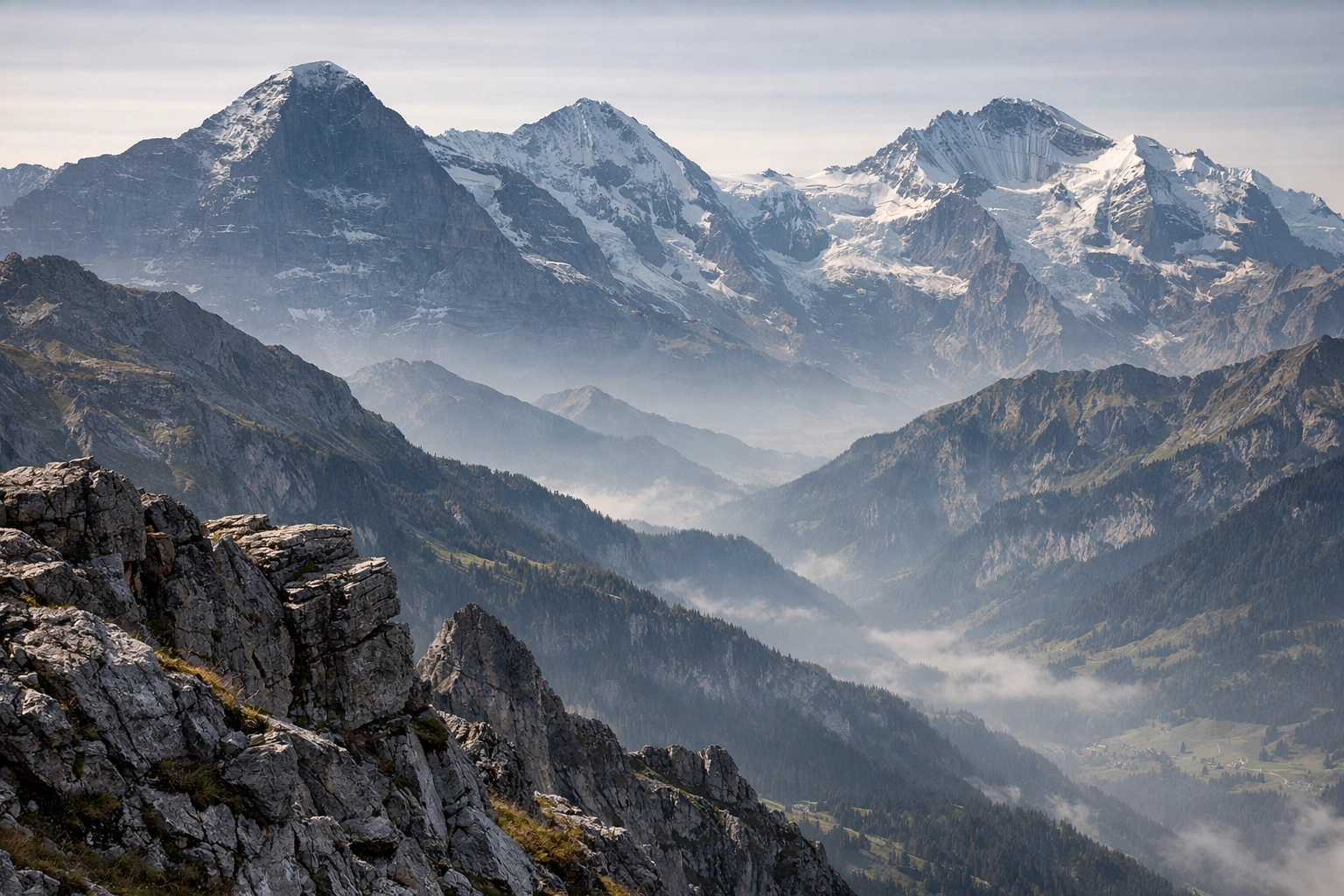
Alt Text: A high-end fine art landscape photograph of the Swiss Alps where depth-aware lighting tools have been used to create a misty, ethereal atmosphere between mountain layers.
AI-Powered Tools That Do the Heavy Lifting
The suite of AI tools within Neo is designed to eliminate the "busy work" of editing. Here are the core features that will transform your approach:
| Feature | Creative Benefit for You | Technical Impact |
|---|---|---|
| Sky AI | Instantly replaces flat, boring skies with dramatic, high-dynamic-range alternatives. | Automatically adjusts reflections and scene relighting to match the new sky. |
| Portrait Bokeh AI | Creates a professional-grade shallow depth of field in any portrait. | Recognizes subjects and creates a realistic blur gradient based on 3D depth. |
| Relight AI | Provides studio-like lighting control for landscapes and portraits after the fact. | Independently adjusts foreground and background brightness based on depth mapping. |
| Structure AI | Enhances detail and texture only where it is needed, avoiding halos. | Uses content-aware technology to identify subjects versus backgrounds. |
The Generative Revolution: Erasing the Mundane
In fine art, every pixel matters. A stray power line, a distracting trash can, or a sensor spot can ruin the flow of a composition. While traditional cloning and healing tools have their place, they often struggle with complex textures like grass, water, or architectural patterns. This is where Generative Erase changes your life.
Unlike standard tools that "copy-paste" nearby pixels, Generative Erase uses AI to understand the context of the image and fills the space with entirely new, realistic textures that blend seamlessly. This ensures your final piece remains clean and focused on your subject. This efficiency is why many professionals are moving their primary retouching to Neo, often using it alongside the Ultimate Lightroom Preset Collection to achieve a polished, signature look in record time.

Alt Text: A before and after comparison of a minimalist beach scene where Generative Erase was used to remove footprints and debris from the sand, leaving a pristine fine art finish.
Why Neo Stands Out Against the Competition
You might wonder why you should add Luminar Neo to your arsenal if you already use Adobe products. The answer lies in the philosophy of the software. While Photoshop is a massive, multi-purpose tool that requires a steep learning curve, Neo is built specifically for photographers who want to achieve artistic results quickly.
The interface is intuitive, meaning you spend less time watching tutorials and more time experimenting. For those who frequently visit the Edin Chavez Blog for inspiration, you know that the goal is always to elevate the art. Neo allows for a "mood-first" approach. With the Mood tool (using LUTs) and a robust Layers feature, you can stack textures and light leaks with a level of organic blending that feels more like painting than traditional editing.
Efficiency Comparison for Professionals
| Task | Traditional Manual Workflow | Luminar Neo AI Workflow |
|---|---|---|
| Sky Replacement | 30–60 minutes (Masking & Color Correction) | 2 minutes (One click + Fine-tuning) |
| Object Removal | 15–20 minutes (Cloning/Healing) | 30 seconds (Generative Erase) |
| Portrait Skin Retouching | 20 minutes (Frequency Separation) | 1 minute (Face/Skin AI) |
| Depth of Field Adjustment | Complex (Manual Blur & Masking) | 1 minute (Portrait Bokeh AI) |
Maximizing Your Efficiency Without Sacrificing Artistry
Speed is not just about saving time; it is about maintaining your creative momentum. When you spend too long on technical hurdles, you lose the "vibe" of the piece you are trying to create. Luminar Neo propels you through the mundane tasks so you can stay in the flow state.
By utilizing the Skylum ecosystem, you are ensuring that your workflow is as modern as your camera gear. For example, the HDR Merge extension is incredibly robust, allowing you to blend exposures for high-contrast architectural or landscape shots without the "crunchy" look that plagued early digital photography. It produces a natural, clean base that is perfect for fine art applications.
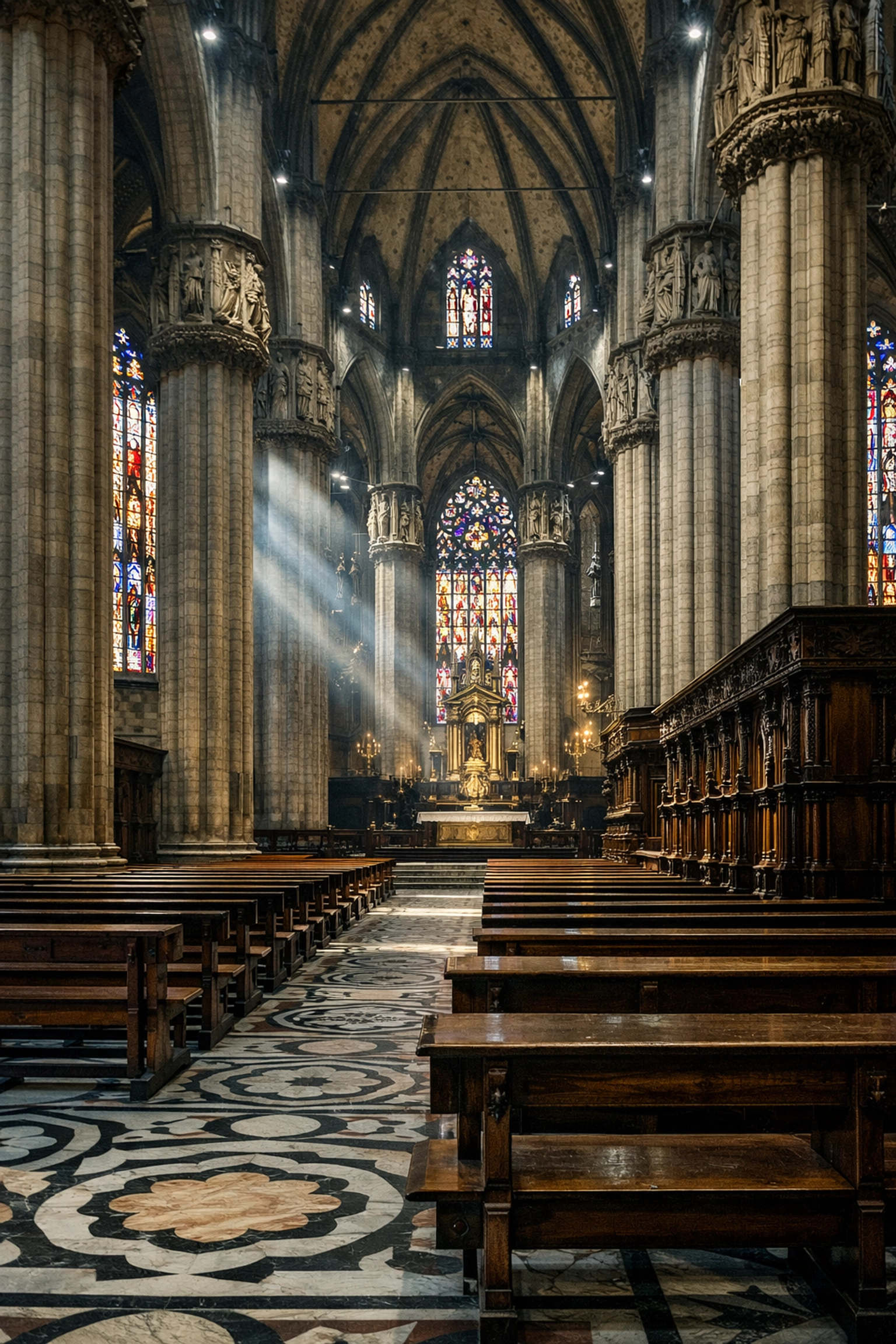
Alt Text: A stunning fine art interior of a historic cathedral in Italy, processed with HDR Merge to show detail in both the stained glass and the dark shadows of the pews.
Integrating Luminar Neo into Your Full Workflow
It is important to understand that Luminar Neo can work as a standalone application or as a powerful plugin for Lightroom and Photoshop. This flexibility ensures you don't have to change your entire organization system to benefit from its AI "wizardry."
- Import & Organize: Use Lightroom for your initial culling and basic metadata.
- Apply Foundations: Use the Ultimate Lightroom Preset Collection to set your base color and tone.
- Creative Sculpting: Open the image in Luminar Neo to apply Sky AI, Relight AI, or Generative Erase.
- Final Polish: Bring the image back for final export and printing.
This hybrid approach allows you to leverage the best of both worlds: the organizational power of Adobe and the creative innovation of Skylum. As you continue to explore the resources at Edin Studios, you will see that the most successful artists are those who adapt to the tools that provide them the most freedom.
A New Era for Fine Art Photographers
The goal of fine art photography is to share your unique perspective with the world. Whether you are capturing the raw power of nature or the quiet intimacy of a portrait, your tools should never be a bottleneck to your imagination. Luminar Neo stands out because it treats the editing process as a creative extension of the capture, rather than a corrective chore.
With its ability to understand depth, its generative capabilities, and its streamlined interface, it ensures that your focus remains on the art. By embracing these advancements, you are not taking a shortcut; you are clearing the path for your vision to shine.
Hence, if you are ready to see what your images are truly capable of, it is time to experiment with the future of editing. You can start your journey with Luminar Neo here and experience the difference that AI-powered creative freedom makes in your portfolio. Don't forget to check back with the Edin Chavez Blog for more tips on mastering your craft and exploring the world of Fine Art Photography.


