

Just as the transition from film to digital once revolutionized the way we capture the world, the rise of AI-driven editing is currently reshaping how we finish our masterpieces. If you’ve been in the photography game for any length of time, you know the "edit-burnout" is a very real thing. You spend hours behind the lens, chasing the perfect light at sunrise, only to come home to a backlog of thousands of RAW files that need your undivided attention.
Many photographers find themselves tethered to legacy software that feels more like a chore than a creative outlet. That’s where Luminar Neo steps in. It’s not just another tool in your kit; it’s the high-octane engine that propels your creative vision forward without the technical headaches. At Edin Chavez Blog, we are all about efficiency and fine art excellence, and frankly, Luminar Neo is the secret sauce we’ve been waiting for.
Why Luminar Neo Stands Out in a Crowded Market
You might be wondering why you should pivot from your current workflow. The answer is simple: intelligence. While other platforms are busy adding incremental updates, Skylum has built Luminar Neo from the ground up on a modular engine. This means it’s fast, it’s responsive, and it’s packed with AI that actually understands the content of your photos.
When you download Luminar Neo through this link, you aren't just getting a filter app; you are gaining a digital assistant. Whether you are working on high-end gallery pieces for Edin Fine Art or cleaning up a commercial shot, the software recognizes structures, faces, and horizons with uncanny accuracy.
The Power of Generative AI
One of the most mind-blowing additions to the Neo ecosystem is the suite of generative tools. Have you ever captured a stunning landscape, only to realize there’s a stray trash can or a distracting tourist ruining the composition?
- Generative Erase: This tool doesn't just smudge pixels; it uses AI to replace unwanted objects with textures and details that match the surrounding environment perfectly.
- GenSwap: Want to swap a boring bush for a flowering shrub? This tool allows you to replace specific elements in your photo using AI-generated assets that blend seamlessly.
- GenExpand: If you’ve ever wished you shot a bit wider, GenExpand lets you extend your canvas, and the AI "paints" the rest of the scene for you. It’s smooth as butter and saves you from the "crop-regret" we’ve all felt.

Alt Text: An ultra-realistic wide-angle landscape shot of a mountain range at sunset, showing the seamless expansion of the horizon using AI tools in a professional editing interface.
Mastering the AI-Powered Workflow
Your time is your most valuable asset. If you can cut your editing time in half while maintaining: or even elevating: the quality of your work, you’d be crazy not to do it. Luminar Neo is designed for exactly this kind of efficiency.
Sky AI: The Landscape Photographer’s Dream
We’ve all been there: the composition is perfect, but the sky is a flat, featureless grey. Sky AI allows you to replace the entire sky in a single click. But it doesn't stop there. It automatically relights the entire scene to match the new light source, ensuring that your reflections in the water and the highlights on your subjects look 100% natural.
If you are out exploring with our Miami Self-Driving Photography Guide, you might find that the Florida humidity creates a haze that masks the beautiful Atlantic blue. Sky AI can bring that drama back in seconds.
Portrait Bokeh AI and Face AI
For those of you focused on people, the portrait tools in Neo are unparalleled. Portrait Bokeh AI recognizes your subject and creates a creamy, professional background blur (bokeh) even if you didn't shoot with a wide-aperture lens.
| Feature | What it does for you | Benefit |
|---|---|---|
| Face AI | Enhances eyes, lips, and teeth | Professional retouching in seconds |
| Skin AI | Removes blemishes while keeping texture | Natural-looking skin without the "plastic" look |
| Body AI | Subtly shapes the torso and abdomen | High-fashion results without complex masking |

Alt Text: A professional studio portrait with soft lighting, demonstrating the natural skin texture and beautiful background bokeh achieved through AI retouching software.
Comparing Luminar Neo to the Competition
Let’s be real: Lightroom and Photoshop are the industry titans. But "big" doesn't always mean "best" for your specific workflow. While Lightroom is excellent for cataloging, it can feel sluggish when you start adding heavy masks. Photoshop is powerful, but the learning curve is a vertical cliff.
Luminar Neo provides a middle ground that leans heavily into the future. It offers the professional control of layers and masking but automates the tedious parts. If you are already a Lightroom user, don't worry: you don't have to choose. You can use Luminar Neo as a plugin. You can manage your library in Lightroom, apply your favorite looks from the Ultimate Lightroom Preset Collection, and then "Send to Luminar Neo" for the heavy AI lifting.
Pro Tips for an Efficient Workflow
To truly master your workflow, you need to think like a pro. Here is how I recommend setting up your sessions:
- Cull and Organize: Use the "Catalog" tab to quickly flag your winners.
- Apply a Base: Start with a preset or a basic adjustment to set the mood.
- AI Enhancements First: Run your Sky AI or Relight AI early in the process. This sets the tonal "map" for the rest of your edit.
- Local Adjustments: Use the masking tools to fine-tune specific areas. The "Mask AI" tool can automatically detect people, skies, buildings, and water, saving you from manual brushing.
- Batch Processing: If you have a series of shots from the same location: say, a session from our Private Miami Photography Tour: you can sync your edits across the entire folder to maintain a consistent look.

Alt Text: A side-by-side comparison of a raw urban street scene and a finished edit, showing enhanced lighting and object removal in a sleek software interface.
Elevating Your Art with Edin Chavez
At Edin Studios, we believe that technology should never get in the way of your soul’s expression. Luminar Neo is the tool that finally bridges that gap. It removes the "boring" parts of photography: the sensor dust removal, the tedious masking, the sky swapping: and leaves you with the fun part: creating art.
Whether you are capturing the neon lights of South Beach or the rugged beauty of the desert, having a tool that understands light and depth is a game-changer. It’s about working smarter, not harder. By integrating these AI tools, you ensure that your portfolio stands out in an oversaturated market.
Why You Should Start Today
The world of photography is moving fast. If you aren't leveraging AI, you’re essentially trying to win a drag race on a bicycle. Luminar Neo is the upgrade your workflow deserves. It’s intuitive enough for a beginner but deep enough for a seasoned pro like Edin himself.
By using the Skylum affiliate link, you’re not just getting the best price; you’re supporting the community that brings you these deep-dive guides. Once you’ve mastered the software, consider taking your skills to the field with one of our photography workshops. There is nothing quite like applying these digital techniques to a fresh set of RAW files captured in a stunning location.
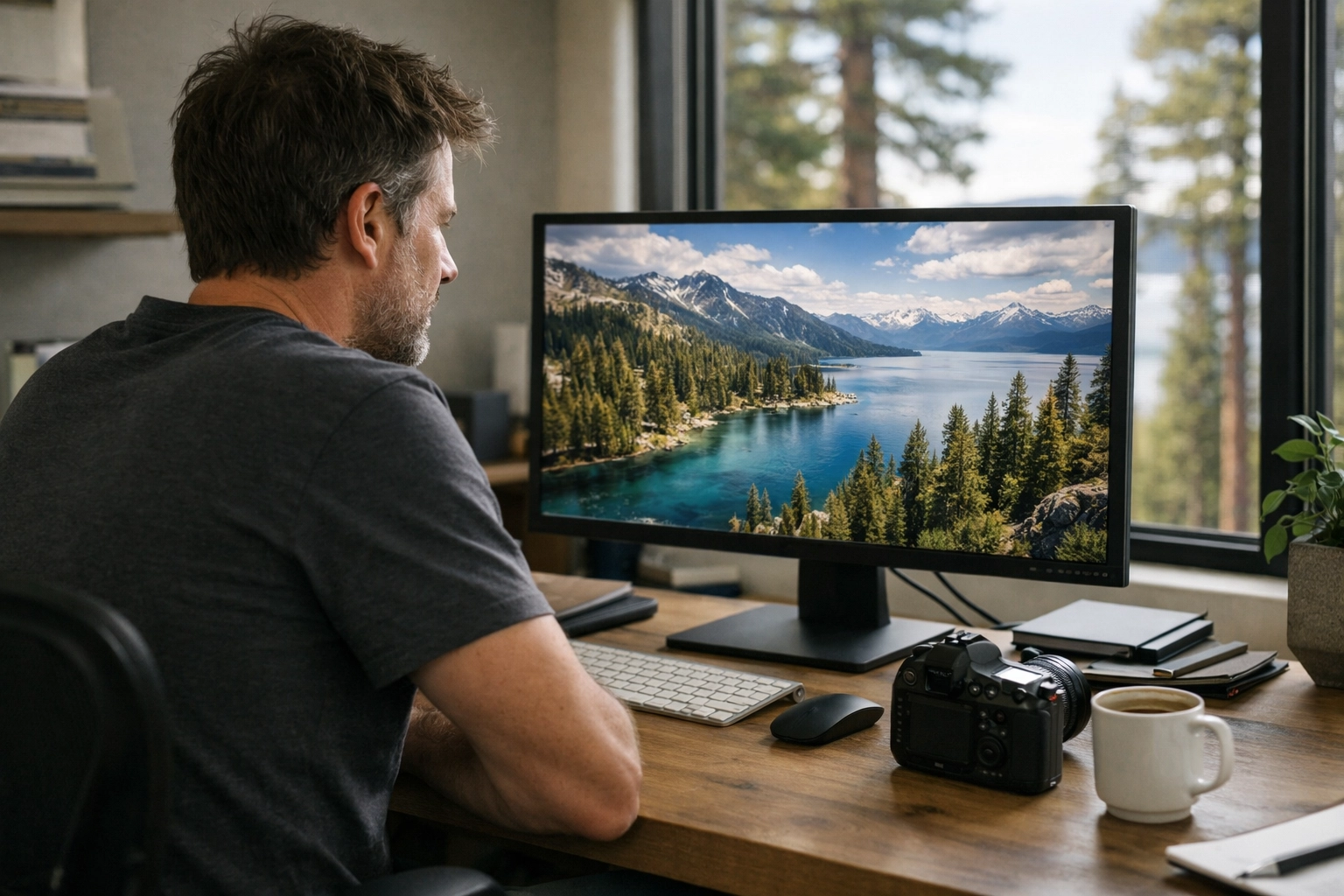
Alt Text: A photographer sitting in a modern home office, looking satisfied while editing a vibrant city-scape on a large high-resolution monitor.
Final Thoughts
Mastering your workflow is about more than just clicking buttons; it's about reclaiming your time. Luminar Neo empowers you to produce gallery-quality work at a pace that was previously impossible. It’s robust, comprehensive, and frankly, a blast to use.
With these tools at your disposal, the only limit is your imagination. So, go ahead: push the sliders, swap the skies, and see where your creativity takes you. Your best work is still ahead of you, and with the right software, you’ll get there faster than ever.
Hence, if you’re ready to stop struggling with sliders and start creating real art, it’s time to make the switch. Your eyes (and your keyboard) will thank you.
For more insights on how to elevate your work, explore our site for a deep dive into hundreds of tutorials and guides at blog.edinchavez.com.


