

Just as the transition from film to digital transformed the landscape of photography decades ago, the rise of artificial intelligence is currently reshaping how you interact with your images. You’ve likely felt the pressure of a growing backlog of RAW files, wondering if there’s a way to reclaim your time without sacrificing the fine-art quality your work demands. Enter Luminar Neo, the AI-powered powerhouse from Skylum that doesn't just edit your photos: it understands them.
Whether you are a seasoned pro or just starting your journey in Fine Art Photography, you need tools that keep up with your creative vision. Luminar Neo stands out as a modular, responsive, and incredibly intuitive platform designed to handle the heavy lifting of technical corrections, allowing you to focus on the soul of the image. By integrating Luminar Neo into your workflow, you’re not just adopting new software; you’re gaining a highly capable digital assistant.
The Dawn of Generative AI in Your Workflow
When you think about the most tedious parts of editing, removing unwanted distractions usually tops the list. With the introduction of Generative AI features like GenErase, Luminar Neo has effectively changed the game for your post-processing routine. Instead of spending hours meticulously cloning and healing pixels, you can now let the software analyze the surrounding textures and lighting to replace objects seamlessly.
This commitment to generative technology ensures that when you remove a stray power line or a distracting tourist from your landscape shot, the software fills the gap with realistic data that matches the original scene’s lighting and perspective. This isn't just a simple "fill"; it's a deep-learning process that understands the context of your composition. For those of you who frequently shoot in busy locations, this tool alone will save you hours of frustration.

Alt Text: An ultra-realistic side-by-side comparison of a busy street in Mexico City where GenErase has seamlessly removed distracting cars and pedestrians, leaving a clean architectural shot.
Mastering Landscapes with Sky AI and Atmosphere AI
As a landscape photographer, you know that the perfect light and sky are often matters of luck. While we all strive to be in the right place at the right time, sometimes nature doesn’t cooperate. This is where Sky AI becomes your most valuable asset. It doesn’t just "cut and paste" a new sky; it relights the entire scene to match the new light source, ensuring that the reflections in the water and the shadows on the ground look authentic.
By using the Sky Enhancer AI slider, you can pull out details in the clouds and increase contrast with a single stroke. If you want to go further, Atmosphere AI allows you to add 3D-depth-mapped mist, fog, or haze. Because the software creates a depth map of your image, the fog won't just sit on top like a filter; it will weave between the trees and distant mountains, providing a sense of scale that was previously impossible to achieve without complex masking.
| Feature | Primary Benefit for You | Outcome |
|---|---|---|
| Sky AI | Automatic sky replacement with scene relighting | Realistic lighting across the entire frame |
| Atmosphere AI | Adds fog, mist, or haze using 3D depth | Enhanced mood and professional depth |
| Relight AI | Adjusts lighting based on 3D distance | Perfect balance between foreground and background |
| Magic Light AI | Enhances light sources with starbursts | Adds a cinematic "pop" to night shots |
Revolutionizing Portraiture with Precision AI
If your work involves people, you understand that portrait retouching is a delicate balance between perfection and realism. Luminar Neo provides you with a suite of tools that handle the "grunt work" of retouching while keeping the skin texture intact. Face AI and Skin AI allow you to brighten eyes, whiten teeth, and remove blemishes in seconds, rather than minutes.
One of the most impressive tools for your portrait work is Portrait Bokeh AI. By automatically detecting the human subject, the software creates a custom mask and applies a creamy background blur that mimics high-end prime lenses. Even if you shot your subject at f/5.6, you can achieve that sought-after f/1.2 look after the fact. This provides you with incredible flexibility during the shoot, knowing you can refine the depth of field in post.

Alt Text: A high-end portrait of a model in a garden, showing the transition from a busy background to a soft, professional bokeh achieved via Portrait Bokeh AI.
Speed and Efficiency for Professional Workflows
Time is the one resource you can’t buy back, but you can certainly optimize it. Luminar Neo is built on a new engine that prioritizes speed. For the professional who needs to deliver galleries quickly, the Accent AI tool acts as your "magic wand." It analyzes the image and applies a dozen different adjustments: exposure, contrast, tone, and more: all through a single slider.
Beyond the AI, you still have full control with the "Develop" tab, where you can fine-tune your RAW files with high precision. When you combine these AI tools with the Ultimate Lightroom Preset Collection, you create a hybrid workflow that is virtually unstoppable. You can apply your foundational look in Lightroom and then jump into Luminar Neo for the heavy-duty AI finishing touches.
Comparing the Titans: Why Luminar Neo Stands Out
Many photographers ask why they should consider Luminar Neo over traditional giants like Adobe Photoshop or Capture One. The answer lies in the philosophy of the software. While Photoshop is a blank canvas that requires you to know how to build an effect, Luminar Neo is a toolset that asks you what you want to achieve.
| Capability | Luminar Neo | Traditional Editors |
|---|---|---|
| Learning Curve | Extremely low; intuitive sliders | High; requires mastery of layers and masks |
| Sky Replacement | One-click with auto-relighting | Manual masking and color matching |
| Object Removal | Generative AI fills based on context | Content-aware fill (often requires manual cleanup) |
| System Usage | Modular and optimized for modern CPUs | Can be resource-heavy on older machines |
Integrating Luminar Neo into Your Existing Setup
You don't have to choose one software over another. Luminar Neo works beautifully as a standalone application, but it also functions as a powerful plugin for Lightroom and Photoshop. This means you can keep your catalog organized in Lightroom while tapping into Neo’s AI capabilities whenever a photo needs that extra "wow" factor.
For instance, if you are working on a series of black and white fine art prints, you might use Lightroom for your initial conversion and then use Luminar's Structure AI to bring out the micro-contrast in the textures without adding noise to the shadows. This synergy between platforms empowers you to produce the best possible version of your work.
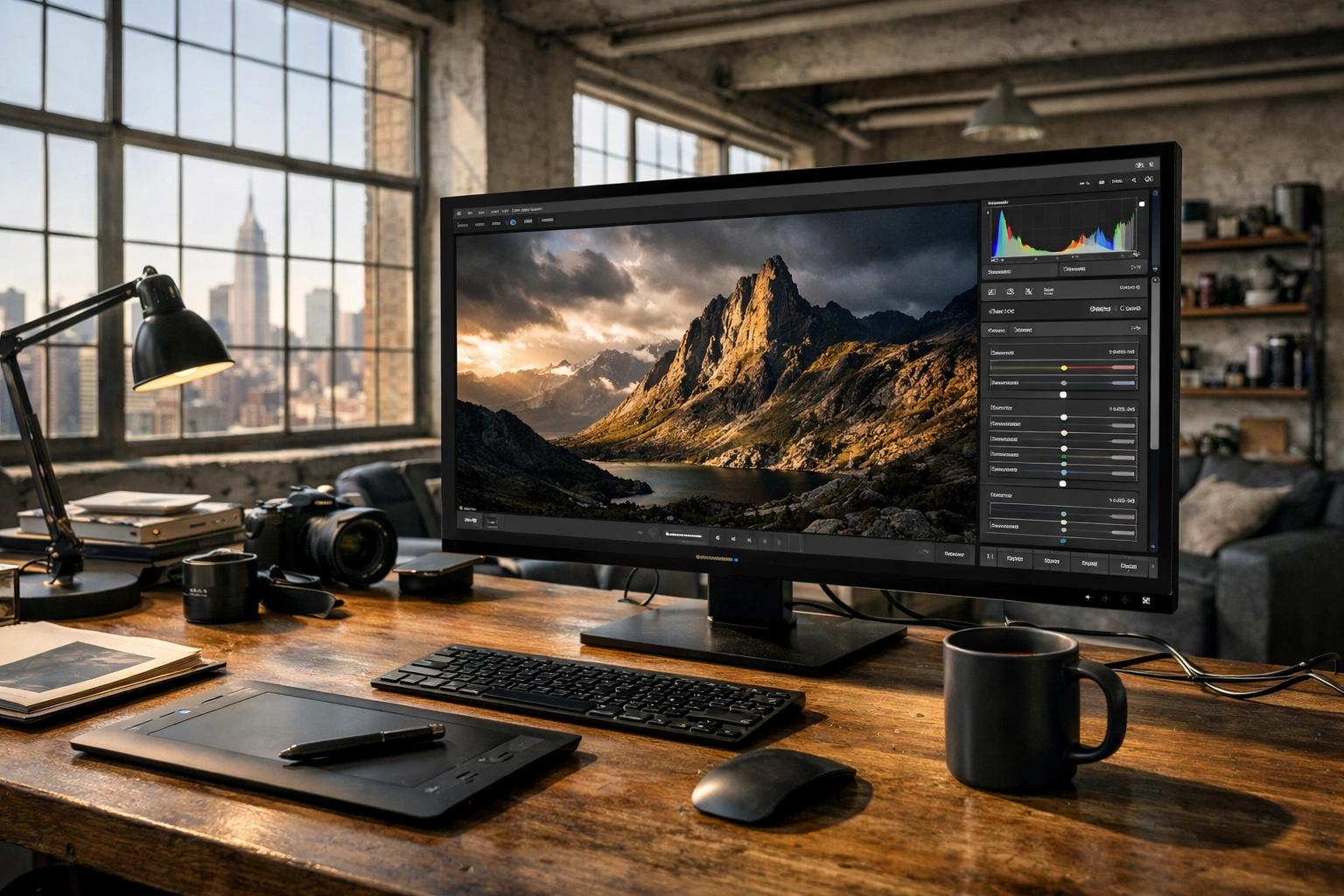
Alt Text: A professional desktop setup showing the Luminar Neo interface open as a plugin within Adobe Lightroom, highlighting a seamless workflow transition.
Elevating Your Creative Vision
Ultimately, tools are only as good as the vision behind them. Luminar Neo is designed to remove the technical barriers between your imagination and the final print. By mastering tools like Mask AI, which automatically identifies elements like buildings, water, and flora, you can apply targeted adjustments without ever picking up a brush. This level of automation doesn't take away your creativity; it gives you the space to be more creative.
If you are looking to take your photography to the next level, I highly recommend exploring the possibilities within this software. You can get started and see the difference for yourself by visiting the official Skylum website.

Alt Text: An ultra-realistic landscape of the Nevada desert at sunset, processed in Luminar Neo to highlight the vibrant oranges and deep shadows with perfect clarity.
Final Thoughts on Mastering the AI Revolution
The world of photography is moving fast, and staying ahead means embracing the tools that make your life easier and your art better. Luminar Neo is more than just a trend; it is a robust, professional-grade solution for the modern creator. Whether you're retouching a high-fashion shoot for Edin Studios or polishing a personal project from your travels in Mexico, this software provides the precision you need.
By streamlining your process, you free up more time to be behind the camera, which is where the magic really happens. Combine these AI tools with a solid foundation in composition and lighting, and you’ll find that your portfolio reaches new heights of excellence.
Hence, with these considerations in mind, it is clear that Luminar Neo is the ultimate companion for the modern photographer. For more insights on how to elevate your work, explore our site at Edin Chavez Blog for a deep dive into hundreds of tutorials and guides.


