
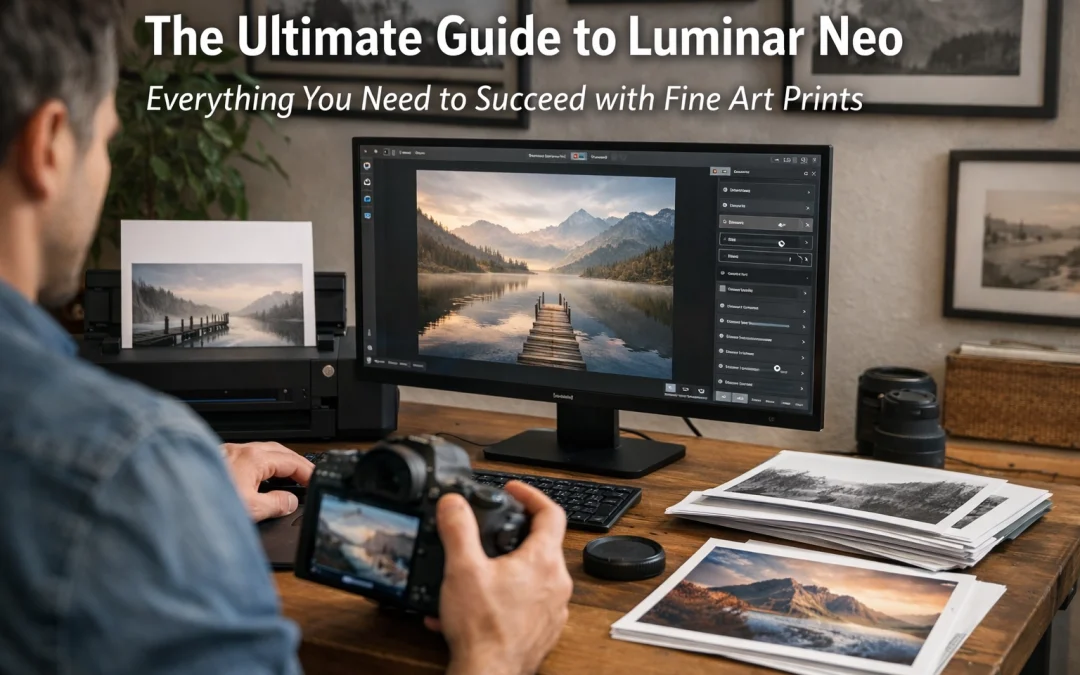
Just as the old masters spent hours in the darkroom meticulously dodging and burning, your journey as a modern fine art photographer doesn't end when you click the shutter. In fact, that's where the real magic begins. If you’ve ever looked at a breathtaking landscape from Yosemite or a moody black and white street scene and wondered how it translates into a museum-quality print, the answer lies in your post-processing workflow.
Many photographers get bogged down by technical hurdles, but I’m here to tell you that editing shouldn't feel like a chore. It should feel like an extension of your vision. That is where Luminar Neo steps in. It isn't just another photo editor; it’s a specialized toolset designed to help you cross the finish line from a digital file to a physical masterpiece. If you’re ready to stop "fixing" photos and start creating art, you can get started with Luminar Neo right here.
Why Luminar Neo is the Fine Art Photographer’s Secret Weapon
When you are preparing a file for a Fine Art Print, the stakes are higher. Every sensor speck, every blown highlight, and every bit of digital noise is magnified once it hits the paper. Luminar Neo stands out because it leverages AI not just for "cool effects," but to handle the heavy lifting of technical corrections with surgical precision.
This software ensures you spend less time masking branches and more time refining the emotional weight of your image. While traditional editors require a steep learning curve, Neo provides a seamless, intuitive experience that feels as natural as holding a brush.
The AI Tools That Change the Game
Let’s talk about the features that actually matter when you’re prepping for a large-format print. You need tools that are powerful but don't introduce nasty artifacts.
- Generative Erase: We’ve all been there: you capture a perfect shot of the Miami skyline, only to realize there’s a distracting trash can or a stray power line. Generative Erase uses AI to not only remove the object but to fill the space with textures that match the surroundings perfectly. It’s smooth as butter and saves you hours of cloning.
- Sky AI: For fine art, it’s not just about swapping a boring sky for a dramatic one. It’s about the Relight AI engine that comes with it. It ensures the light hitting the ground matches the new sky, maintaining the physical logic of the scene.
- Portrait Bokeh AI: If you’re working on high-end portraiture, creating a creamy, realistic depth of field is essential. This tool maps the depth of your image, allowing you to blur the background in a way that looks like it was shot on a $2,000 prime lens.
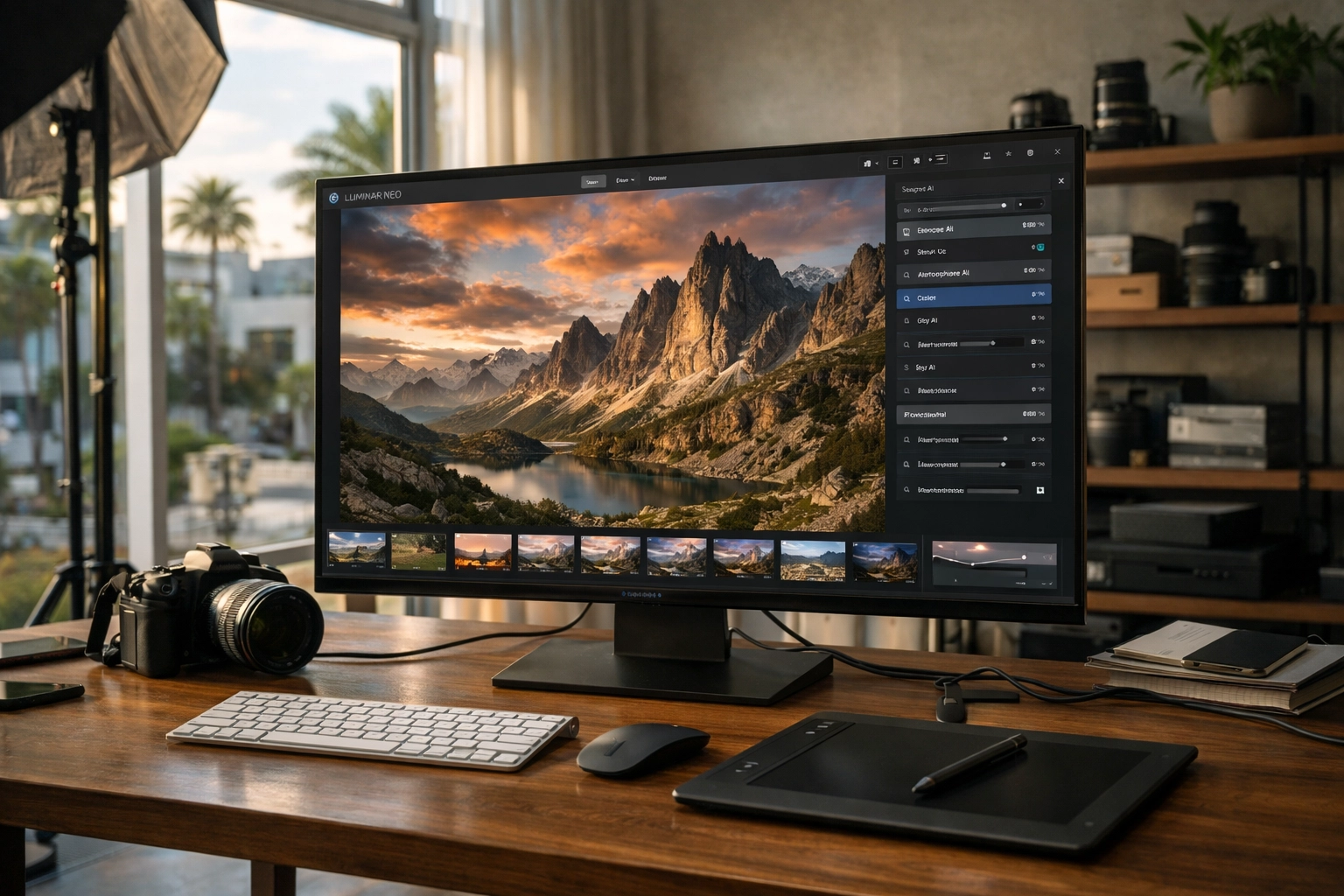
Alt Text: An ultra-realistic close-up of a professional photographer's workspace in a bright Miami studio, showing a high-end monitor displaying a complex landscape edit in Luminar Neo.
The Fine Art Print Workflow: From RAW to Paper
To succeed with prints, you need a disciplined workflow. Luminar Neo is built on a modular engine, meaning you can stack tools and revisit them without destroying your original data.
1. RAW Development and Foundational Tones
Your journey starts in the Develop tab. This is where you set your white balance and exposure. For fine art, I always recommend pushing your shadows slightly more than you think you need: prints tend to come out a bit darker than they look on a backlit screen.
2. Building Contrast with Curves
The Curves tool is your best friend. By creating a subtle S-curve, you establish the "pop" that fine art is known for. Luminar Neo’s interface makes this incredibly easy to visualize. You aren't just moving sliders; you are shaping the light.
3. Enhancing Texture with Structure AI
One of the most common mistakes in printing is over-sharpening. Instead of a global sharpen, use Structure AI. It identifies areas with fine detail (like rocks, fabric, or architecture) and enhances the micro-contrast without adding noise to the sky or smooth skin tones. This is what gives a print that "reach-out-and-touch-it" quality.
| Feature | Best For | Impact on Print |
|---|---|---|
| Accent AI | Global Tonal Balance | Ensures even exposure across the frame |
| Structure AI | Texture Enhancement | Adds physical "depth" to paper prints |
| Face AI | Portrait Retouching | Keeps skin looking natural, not plastic |
| Mask AI | Targeted Edits | Allows for localized dodging and burning |
Speed and Efficiency for the Professional
If you are running a business like Edin Studios, time is your most valuable asset. The old way of editing involved jumping between three different programs and manually painting masks for every adjustment. Luminar Neo’s Mask AI recognizes elements in your photo: like buildings, water, and mountains: with one click.
This efficiency allows you to maintain a consistent look across an entire series. If you’ve shot a collection in Key West, you can sync your edits across dozens of photos in seconds, ensuring that when they are hung together on a gallery wall, they feel like a cohesive story.
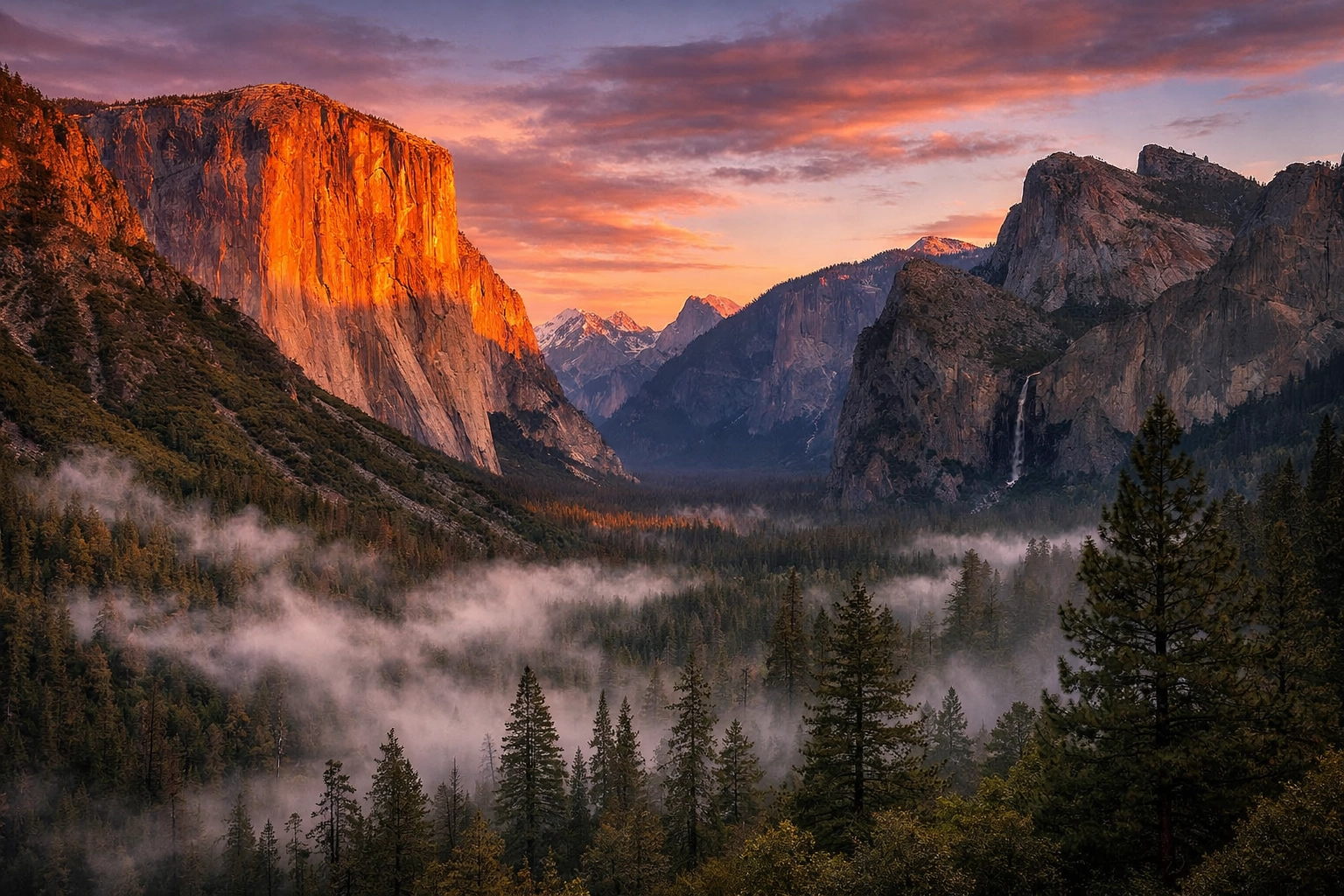
Alt Text: An ultra-realistic landscape of the Yosemite Valley at sunset, edited in Luminar Neo to highlight the golden light on El Capitan and the mist in the trees.
Luminar Neo vs. The Competition
You might be asking, "Why not just stick with Lightroom?" While I love my Ultimate Lightroom Preset Collection, Luminar Neo offers creative tools that Lightroom simply doesn't have. It’s not about choosing one over the other; it’s about using the best tool for the job.
Neo is a creative powerhouse. While other programs focus on "management," Neo focuses on "artistry." It’s the difference between an accountant and an architect. Both are necessary, but only one is going to design something beautiful. By integrating Luminar Neo into your workflow, you are giving yourself permission to experiment without the technical headache.
Preparing the Final File
Before you hit "Print," there are three things you must do in Luminar Neo:
- Check for Artifacts: Zoom in to 100%. Look for halos around trees or noise in the shadows. Use the Noiseless AI extension if things look a bit crunchy.
- Vignette with Purpose: A subtle vignette draws the viewer’s eye toward the center of your art. Luminar’s vignette tool is excellent because it allows you to choose the center point, ensuring it’s not just a generic dark circle.
- Color Grading: Use the Mood tool (LUTs) to give your image a final cinematic feel. This is what separates a "photo" from a "fine art piece."
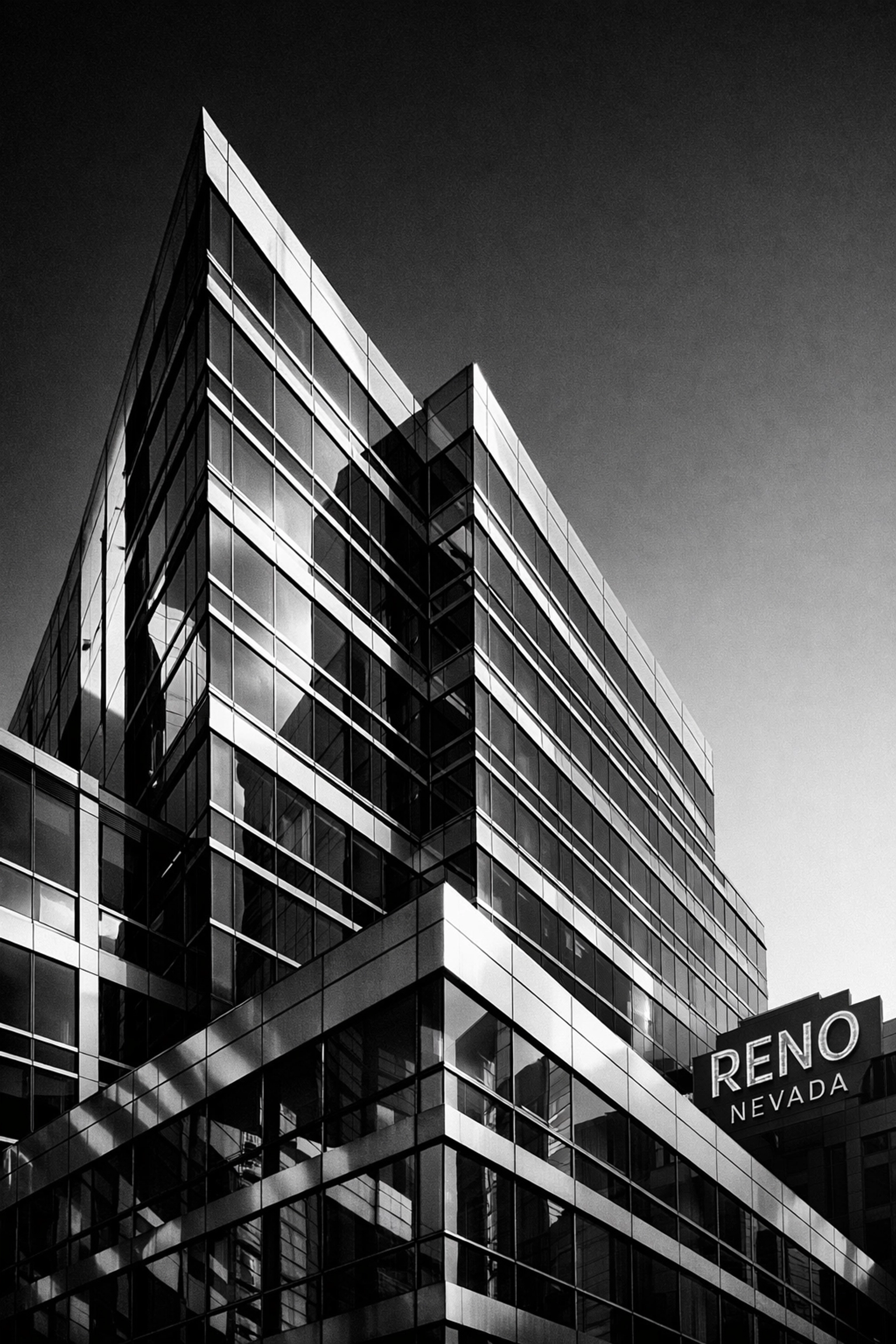
Alt Text: An ultra-realistic black and white architectural shot of a modern building in Reno, Nevada, emphasizing high contrast and sharp textures created in Luminar Neo.
Level Up Your Photography Game
Creating fine art is a marathon, not a sprint. Whether you are capturing the neon lights of Las Vegas or the quiet solitude of Nevada, your editing process is your signature.
If you’re just starting out or looking to refine your eye, I highly recommend checking out our specialized guides. For those heading to Florida, our Miami Self-Driving Photography Guide or the Private Miami Photography Tour will put you in front of the best light the city has to offer. And if you’re venturing into the wetlands, don't leave without the Everglades Photography Guide.

Alt Text: An ultra-realistic wide-angle shot of a classic VW bus parked on a beach in Mexico at sunrise, with vibrant colors and soft bokeh edited in Luminar Neo.
Luminar Neo empowers you to take control of your creative destiny. It removes the barriers between what you saw in your mind and what you see on the paper. It’s robust, it’s comprehensive, and frankly, it’s a blast to use.
For more insights on how to elevate your work, explore our site for a deep dive into hundreds of tutorials and guides at Edin Chavez Blog.
Hence, with these considerations in mind, there has never been a better time to upgrade your toolkit. Fine art is about passion, and Luminar Neo is the engine that propels that passion into reality. Grab your copy, start experimenting, and let's see what you create.


